

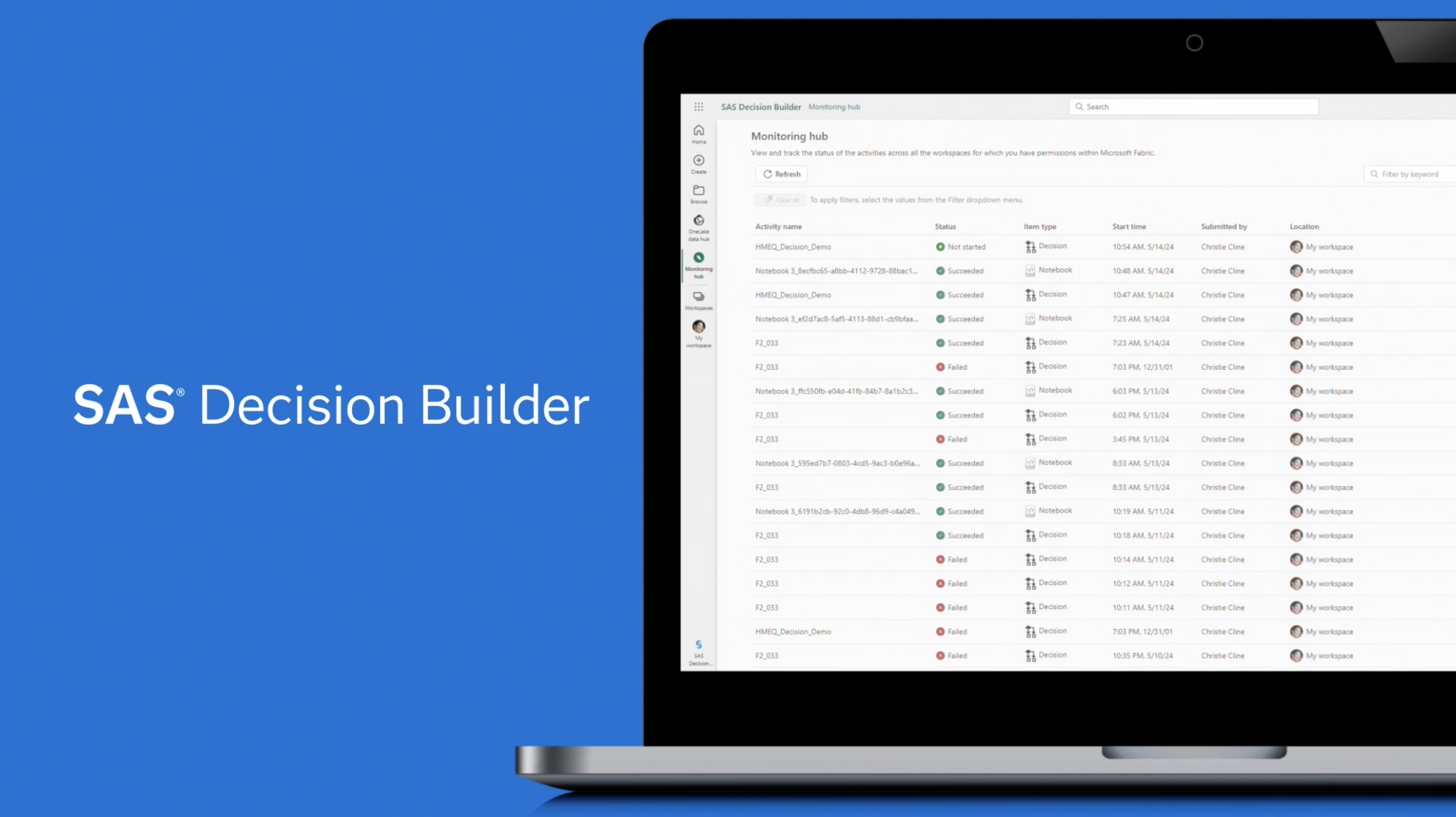
Driving end-to-end design across a cross-platform collaboration
As UX Lead, I led the product from early concept demos to production delivery — shaping a cohesive experience across SAS and Microsoft by bridging domain complexity, design systems, and platform constraints.
Key contributions:
- Led UX from exploration to production
- Unified SAS Filament and Microsoft Fluent
- Simplified complex decisioning workflows
- Partnered with product, engineering, and platform teams
- Iterated on core patterns: ribbon, panels, workflow canvas
Navigating complexity across systems and ambiguity
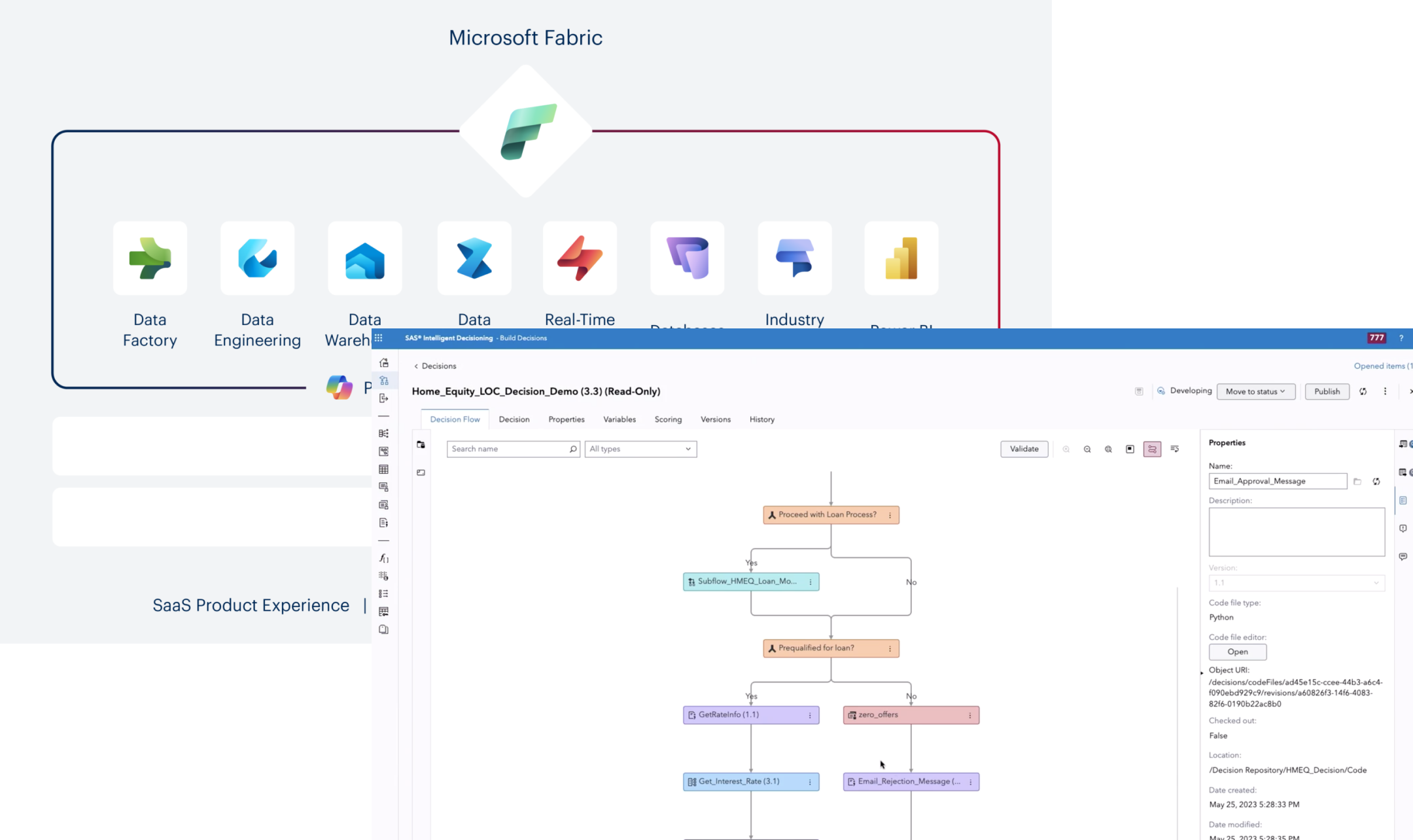
- 01Limited domain context and evolving requirements
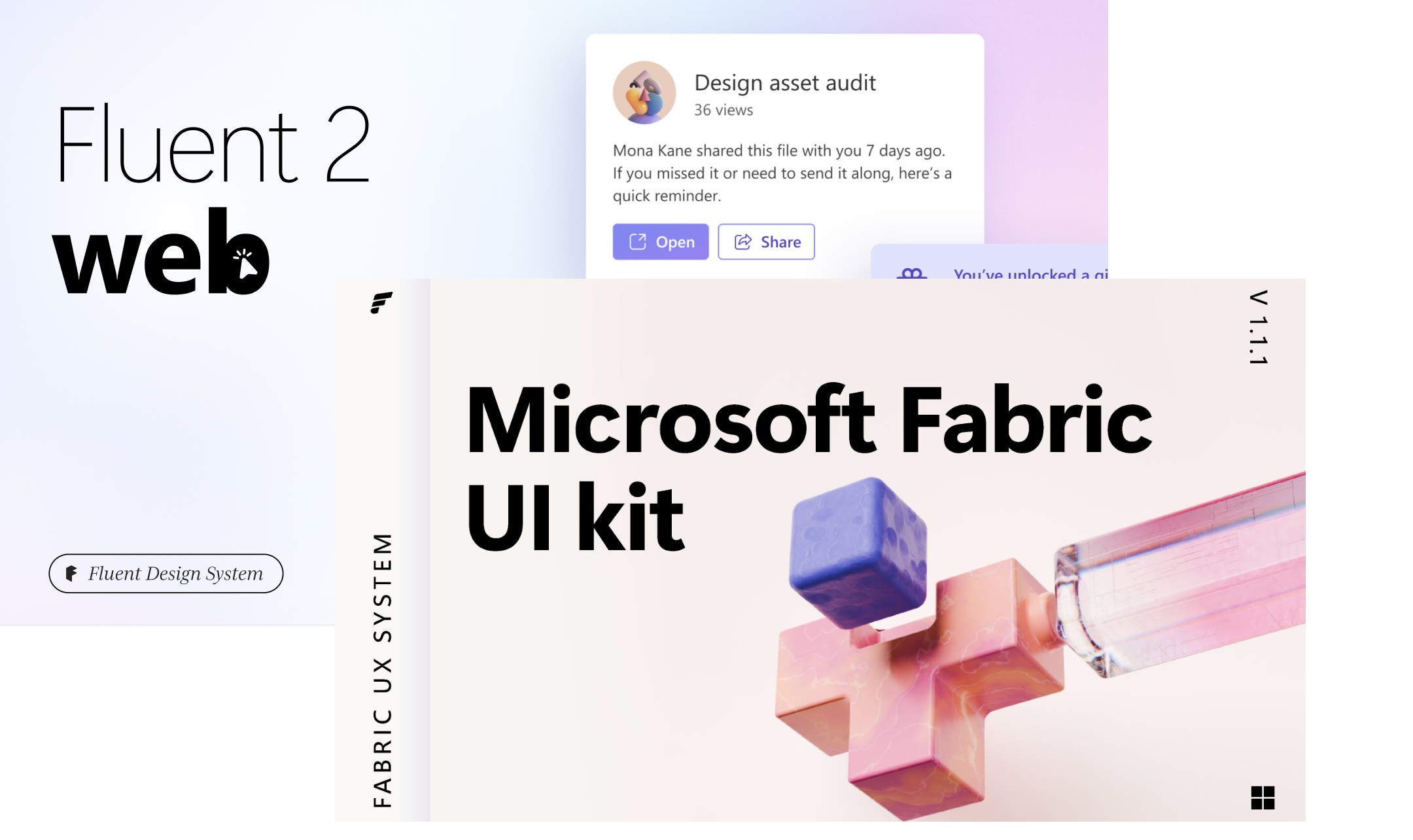
- 02Tight timelines while adapting to Fluent design standards
- 03Inconsistencies across components, icons, and typography
- 04Translating SAS-native patterns into a new design system
- 05Gaps in system coverage requiring new component definitions
I partnered closely with Microsoft designers, Decisioning designers, product, and engineering to align on a shared direction — ensuring the experience remained:
- Cohesive across platforms
- Consistent in patterns and language
- Intuitive for end users
From concept to complete workflow
The design progressed through three distinct phases — each building confidence, refining fidelity, and expanding scope until the full end-to-end workflow was established.
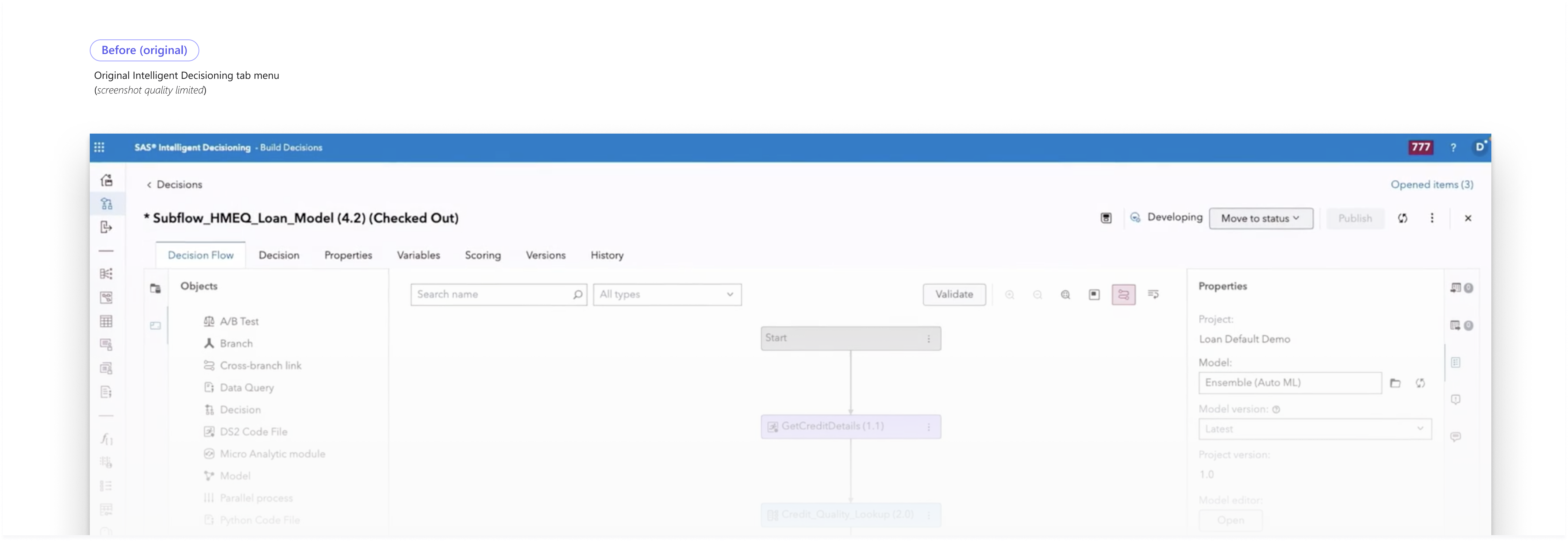
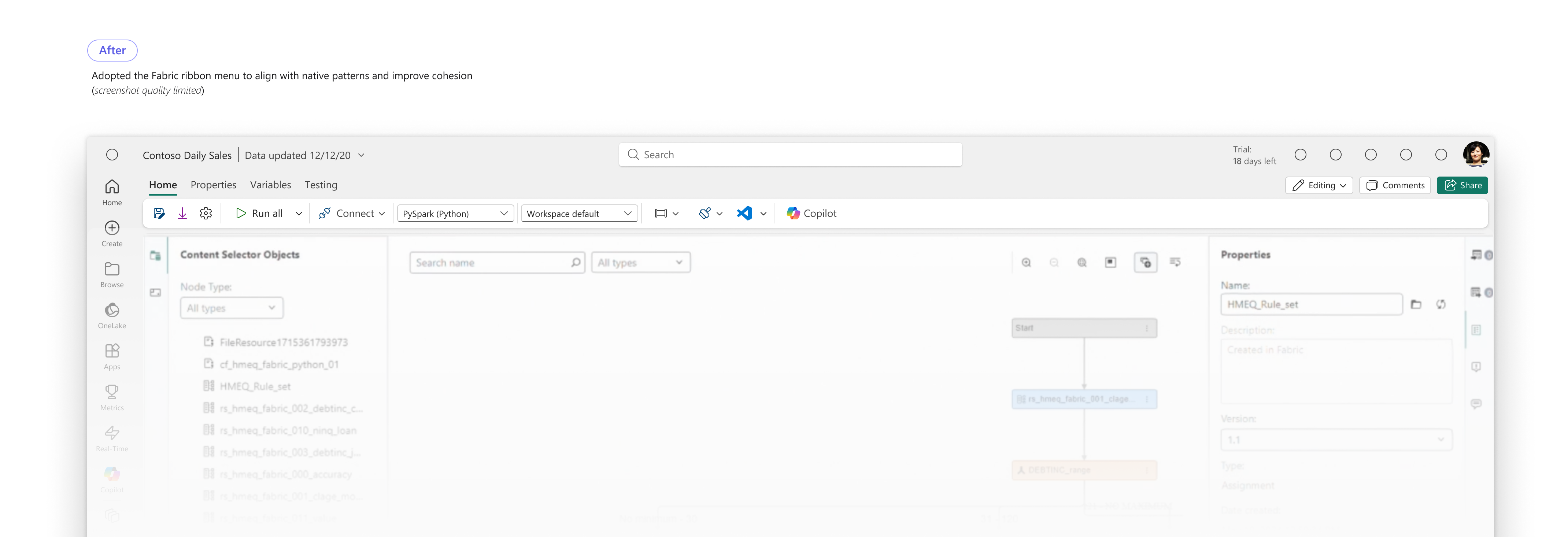
The Ribbon Menu — adapting Decision Builder's tab-based command surface to Fabric
The tab menu is Decision Builder's primary command surface — packed with actions, modes, and contextual controls. Adapting it to Microsoft Fabric's ribbon menu required deep prioritization and a rethinking of the information hierarchy.
The Panel — adapting the core layout for Fabric
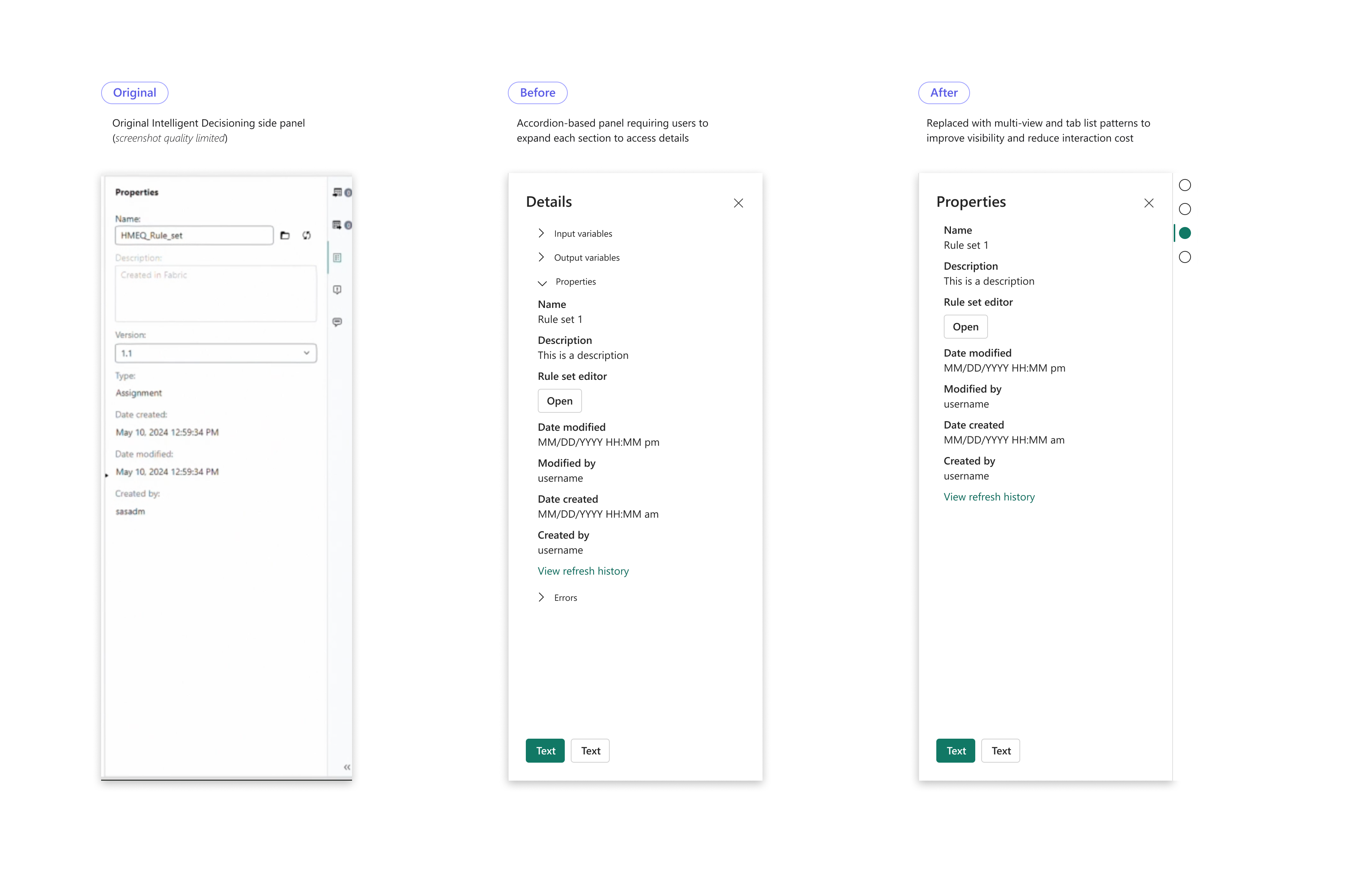
The panel supports configuration, inspection, and editing of decision logic. The design evolved from SAS conventions to a layout aligned with Fabric's spatial model, improving clarity and information hierarchy.
A Decision Builder that feels native to Fabric
The product successfully integrated SAS Decision Builder into Microsoft Fabric — reducing onboarding friction for new users while preserving depth for existing SAS users.
SAS® Decision Builder on Microsoft Fabric ↗Domain knowledge and design system familiarity are critical to move quickly and make effective design decisions in complex, agile environments.
Cross-functional and cross-company collaboration accelerates alignment and leads to deeper product understanding and higher-quality outcomes.
Designing within an existing ecosystem requires adaptation, not reinvention — aligning patterns and interactions is key to creating a cohesive experience.
Further align components with Fluent UI patterns to improve consistency across the Fabric ecosystem.
Refine visual details such as typography and iconography to elevate overall polish and usability.
Incorporate user feedback and validation to iterate on real-world usage and improve experience quality.