When I first started exploring vibe coding for web experiences, I honestly had no idea where to begin.
There were suddenly too many tools, too many workflows, and too many opinions online — Cursor, Claude Code, Lovable, v0, Replit, Bolt, MCP servers, prompt engineering tutorials… everything felt exciting, but also overwhelming.
At the beginning, I made the mistake that many designers probably make: I jumped directly into generating interfaces before fully understanding what I actually wanted to build.
Very quickly, I realized that AI coding tools are powerful, but they still need strong creative direction.
Instead of rushing into implementation, I slowed down and started building my own workflow.
So I started watching videos, collecting inspiration websites, studying interaction patterns, testing different vibe coding tools, and gradually figuring out what worked best for me.
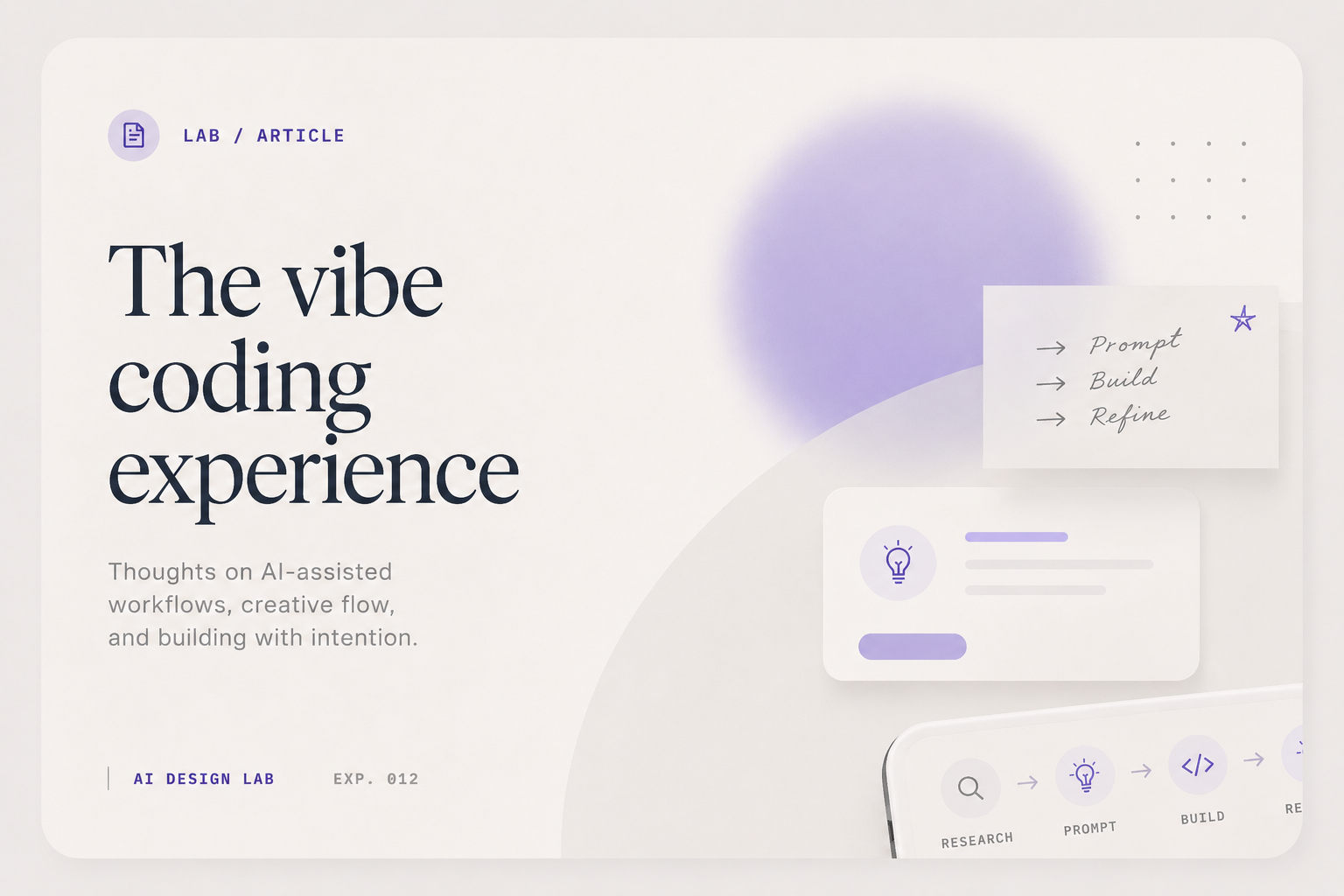
I experimented with both Cursor and Claude Code for implementation, but eventually found a workflow that felt surprisingly effective: using OpenAI ChatGPT to brainstorm ideas, refine prompts, and structure design thinking — then sending optimized prompts into Claude Code for actual implementation.
That combination gave me a much better balance between creativity and execution.
Vibe coding is not replacing design thinking. If anything, it amplifies it.
The better your creative direction, structure, taste, and communication are, the more powerful these tools become.
And maybe that's the most interesting part: the role of the designer is shifting from drawing every pixel manually to orchestrating systems, mood, interactions, and intent.
Not less design — just a different kind of design.
Is Design Process Dead?
Recently, I listened to a podcast from Jenny Wen discussing the idea that "design process is dead." And honestly, I partially agree.
AI tools are changing the way designers work so quickly that traditional linear workflows sometimes feel too rigid now. The old sequence of research → wireframes → mockups → prototypes → testing → implementation doesn't always happen in clean stages anymore.
With vibe coding and AI-assisted workflows, ideation, prototyping, implementation, and iteration can happen almost simultaneously.
But at the same time, I also think: it depends on the product.
For enterprise-level platforms — especially systems involving complex workflows, data structures, decision-making logic, or multiple stakeholders — deep upfront research is still incredibly important. You still need domain understanding, user workflow analysis, technical constraints, stakeholder alignment, information architecture, and scalability thinking.
AI can accelerate these steps, but it doesn't eliminate the need for them.
On the other hand, for more consumer-focused or experimental products, the process can become much lighter and more flexible. Sometimes the fastest way to explore an idea is simply to prototype it immediately and iterate in real time.
That's probably the biggest shift AI brings into design: not removing process — but making process more adaptive.
Research itself is also evolving. Instead of spending days manually gathering references or organizing inspiration, AI tools can now help summarize insights, generate exploration directions, compare patterns, and accelerate brainstorming much faster than before.
In that sense, AI isn't replacing design thinking. It's helping designers move between thinking and making much more fluidly.
And honestly, that might be the most exciting part of this new era: design is becoming less about following a rigid process step-by-step, and more about knowing when to think deeply, when to explore quickly, and when to let AI accelerate the gap between the two.